
Task 1 Introduction

Task 2 Installation

Task 3 Wireshark Overview

Task 4 Collection Methods

Task 5 Filtering Captures

Task 6 Packet Dissection

Task 7 ARP Traffic
What is the Opcode for Packet 6?
To grab this all we need to do once the pcap is open in wire shark is to click on packet number 6, next we need to expand the arp tag and now we can see the opcode is request (1)
What is the source MAC Address of Packet 19?
We can just scroll down and click on the 19 packet and then expand the ethernet II tab and we can see the source mac is 80:fb:06:f0:45:d7
What 4 packets are Reply packets?
After a little google I found that if we use our filter and do “arp.opcod == 2” we get the four reply packets.
What IP Address is at 80:fb:06:f0:45:d7?
From our last search using the arp.code==2 if we look in the information tab we se the mac address we are looking for and next to that we see the ip address of 10.251.23.1

Task 8 ICMP Traffic
What is the type for packet 4?
After loading the new .pcap into wireshark. We can click on packet 4 and then expand the ICMP tab and we can see the type is 8
What is the type for packet 5?
We do the same as above and we can see that the type is set 0, which means its a reply.
What is the timestamp for packet 12, only including month day and year?
We just scroll to packet 12 and click on it from here we expand the ICMP tab and if we scroll all the way to the bottom we see the time stamp of May 30, 2013
What is the full data string for packet 18?
If we scroll down to 18 and click on it, and then scroll all the way down again we can see the Data tab if we open it we can see the field data if we right click on that we can select copy value to get it.

Task 9 TCP Traffic

Task 10 DNS Traffic
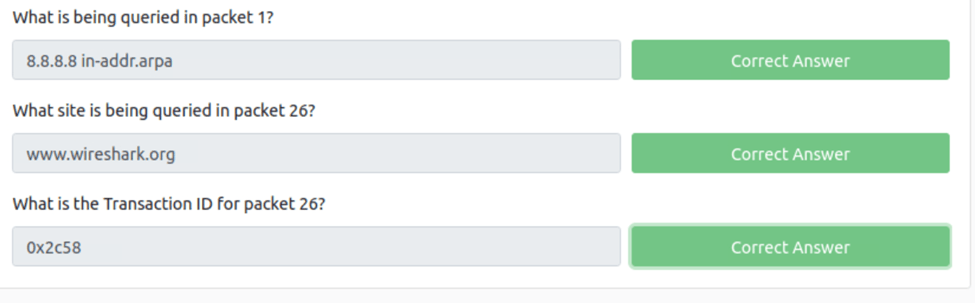
What is being queried in packet 1?
To grab this if we click on packet one we need to scroll down and open the DNS tab. Now we can dig further by opening thee queries tab and we can see the query is to Name: 8.8.8.8.in-addr.arpa
What site is being queried in packet 26?
We just repate the above process and we get http://www.wireshark.org.
What is the Transaction ID for packet 26
If we just go up we can see the transaction id is 0x2c58
Task 11 HTTP Traffic
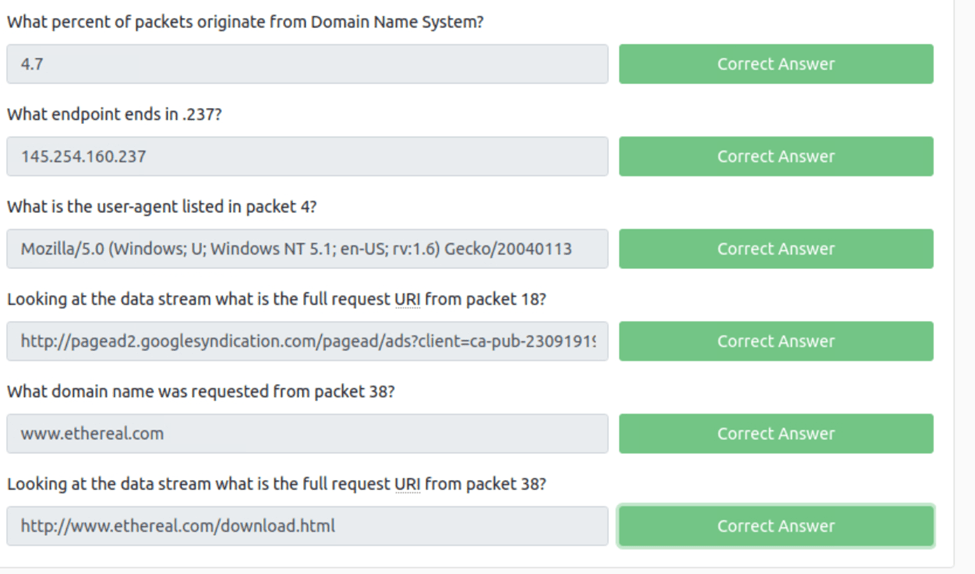
What percent of packets originate from Domain Name System?
With our http.cap file open in wireshark all we need to do to see the percent is go to statistics>portocal hierarchy and now if we look at the percent packets under the DND we see 4.7
What endpoint ends in .237?
For this we can navagit to the statisics>endpoints. Now we click on the IPV4 tab and we get a list of the IP’s and we can see 145.245.160.237
What is the user-agent listed in packet 4?
To do this if we open up packet 4 and scroll down and open up the HTTP tab we can see the user agent. To copy it just right click>copy>value.
Looking at the data stream what is the full request URI from packet 18?
All we need to do to find this is open up packet 18 and select the HTTP tab and then we can scroll all the way a to the bottom and we see the full request URI.
What domain name was requested from packet 38?
From doing the prcess above we can see the that it is http://www.ethereal.com
Looking at the data stream what is the full request URI from packet 38?
Again just rinse and repeat and you get the URI
Task 12 HTTPS Traffic
The First thing we need to do is add our key so we can decrypt the tls encryption. To do this we go to edit>prefences>protcols>tls. Now we need to enter this infomoationIP Address: 127.0.0.
Port: start_tls
Protocol: http
Keyfile: RSA key location
Looking at the data stream what is the full request URI for packet 31?
With the data key entered this is the same as the pervious task and we get https://localhost/icons/apache_pb.png
Looking at the data stream what is the full request URI for packet 50?
Since the data is decrypted we can do the same in the previous task
What is the User-Agent listed in packet 50?
Since the data is decrypted we can do the same in the previous task

Task 13 Analyzing Exploit PCAPs

Task 14 Conclusion

 R3ap3rd0g
